
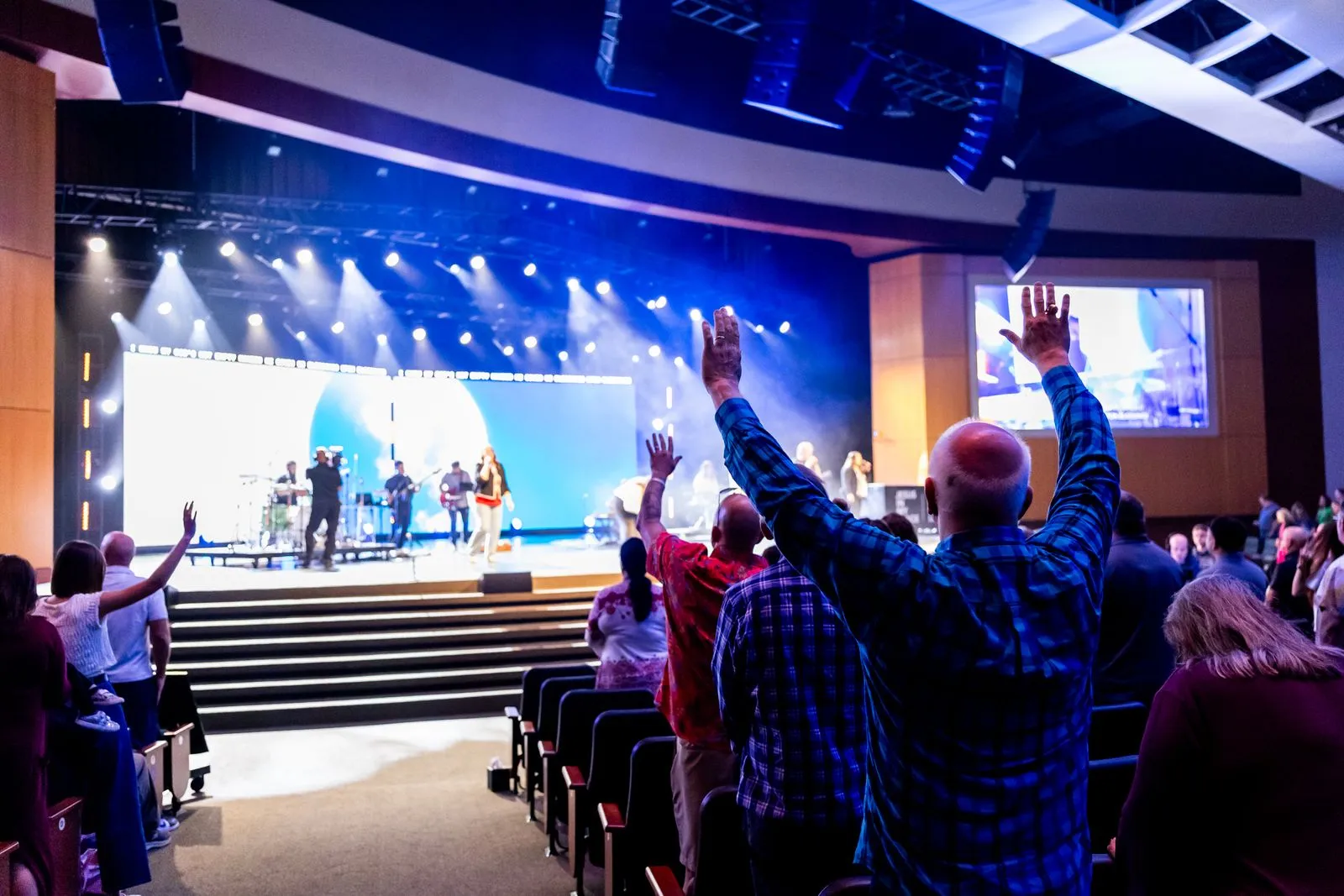
Good event sound starts with a few practical checks, not just a speaker and a microphone. The room, power supply, program, and audience all affect what equipment you need and where it should go. Use this checklist before booking or setting up audio for a community gathering. It can help you spot common problems early, coordinate with the venue, and make sure announcements and performances are easy to hear.
Assess the Venue
Confirm the room’s dimensions, layout, and expected attendance. A compact meeting room usually needs less coverage than a large hall, outdoor space, or venue with separate seating areas. Ask whether the event will be indoors or outdoors, and note hard surfaces, low ceilings, or open sides that may affect how sound carries.
Walk through the space if possible and identify the stage or speaking area, audience positions, and any areas where guests may gather. Check for built-in sound equipment and ask who can operate it. Share a venue plan with your DJ or audio provider so they can recommend speaker placement and suitable equipment.
Check Power and Access
Ask the venue where power outlets are located and whether they can be used for event equipment. Find out if outlets share circuits with kitchen appliances, lighting, or other high-demand devices. Keep audio cables away from walkways, and ask about cable covers or safe routes to prevent trip hazards.
Confirm when the room will be available for setup and whether equipment can be unloaded close to the entrance. Check for stairs, lifts, parking restrictions, and any limits on access times. For an outdoor event, ask about weather protection and whether a suitable, safe power source is available.
Plan Microphones and Audio
List every part of the program that needs a microphone: speeches, introductions, performances, audience questions, or announcements. Decide whether speakers will remain in one place or move around. A handheld microphone suits passing between speakers, while a clip-on or headset can help a presenter keep both hands free.
Ask how many microphones are needed at the same time and whether the venue or audio provider supplies them. Test each microphone with the sound system before guests arrive. Keep a spare battery or backup microphone available when possible, and agree on who will mute, hand over, and manage microphones during the program.
Set a Realistic Timeline
Build setup, testing, and pack-down into the event schedule. Allow time to position speakers, connect equipment, check microphones, and adjust volume from different parts of the audience area. A quick test from beside the sound desk may not reveal whether guests at the back can hear clearly.
Share the running order with the person managing sound, including speech times, music cues, breaks, and any changes in location. Identify a main contact who can handle last-minute updates. Perth Gatherings DJ can help review these details when planning community event audio.
Before event day, confirm the venue layout, power access, microphone needs, equipment responsibilities, and setup window with everyone involved. Keep the checklist with your run sheet so key details are easy to verify. A short conversation with your audio provider can help you resolve open questions before guests arrive.